 Build
BuildImplementWorking
Patching archiveItem so archived entries stay indexed.
Build brings your coding agents into one workspace, with questions, progress, and changes ready for your review. Run them on your machines. Stay in control from any screen.
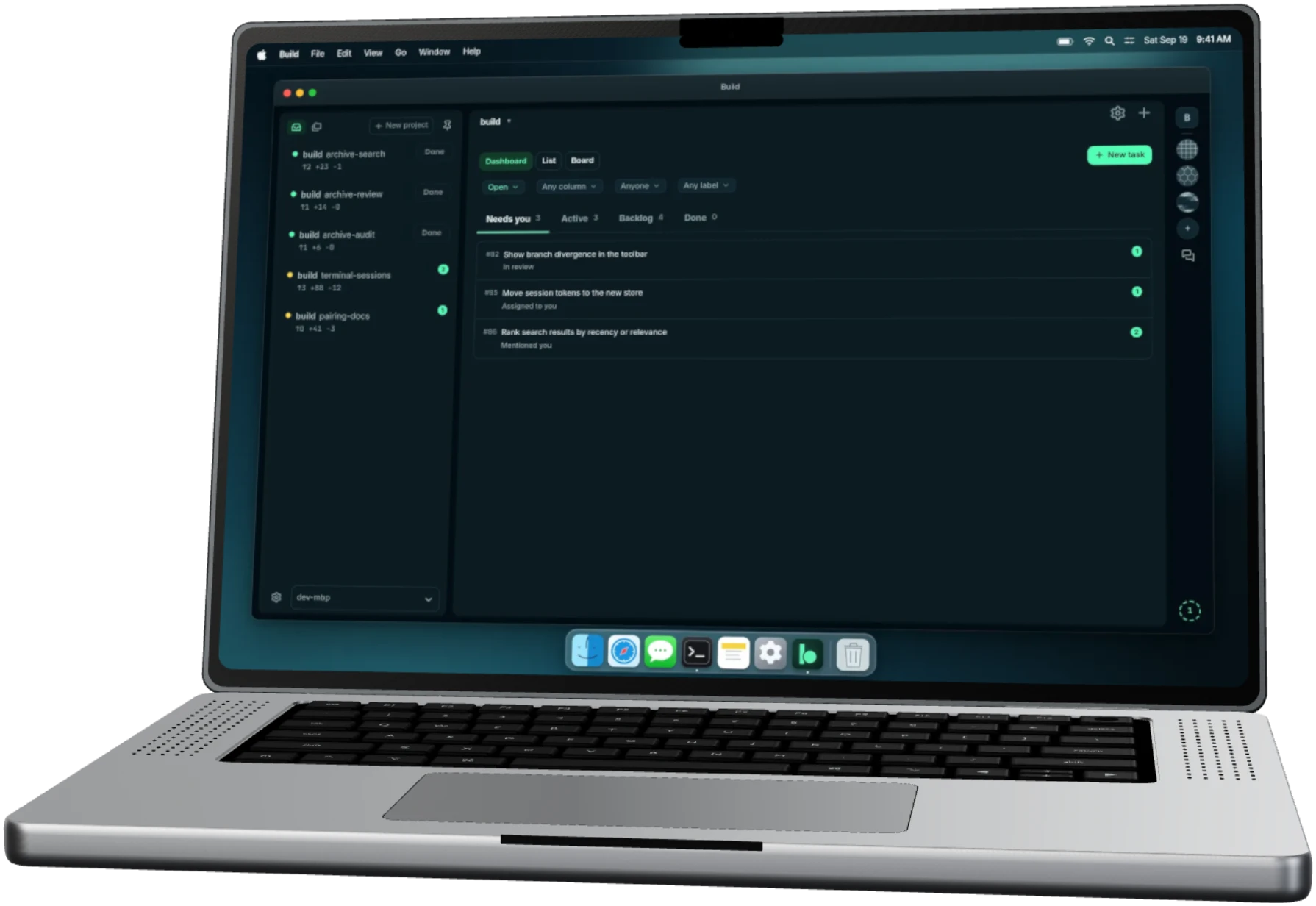
02 / One place
See what your agents are doing, what they changed, and which ones need an answer. Run Claude Code, Codex and Pi together in Build.
Model requests still go to the providers you configure.

03 / Tasks
Write a task and assign an agent. Start it in a separate workspace on your machine. Follow its progress on the board, from Backlog to Done.

In progress
build/archive-search · ~/code/build/workspaces/archive-search
04 / Questions
Agent questions appear in your inbox. Open one on your phone, reply, and the agent can continue. Turn on notifications to hear when an agent needs you.

On your phone
05 / A second reviewer
Ask a second agent to review the change or run the tests. They can exchange feedback in Build. Read their findings alongside the diff.
Workflow editor concept. This feature is not available in Build.

One way a change can move
06 / Your edit
Read the diff, edit a file, stage it and commit. All in your browser.

Git
build/archive-search · ~/code/build/workspaces/archive-search
archive: keep archived results searchable
Diff · archive.ts
- search.remove(id);+ search.update(id, {+ archived: true,+ label: "Archived",+ });+4 −1 · one line yours · dev-mbp · ~/code/build · main
07 / Review
When the agent finishes, the task moves to In review. Leave comments on the diff and send them to the agent together. Merge it yourself when it's right.
Review screen concept. In Build today, review changes in the Changes view.

Diff · archive.ts
- search.remove(id);+ search.update(id, {+ archived: true,+ label: "Archived",+ });08 / Any screen
Answer a question or review a change from your phone or tablet. Your agents keep running on the computer you left them on.
Anyone can install Build and read the code. Accounts are invite-only while Build is in alpha. Join the waitlist for access.
We couldn’t add you. Please try again.
You’re on the list:
A confirmation is on its way. Every email has a one-click unsubscribe.

Setup
That computer does the work. Keep it online to connect from another device.
Install the Build bridge on a Mac or Linux computer with your coding tools installed. Connect from a browser, or use the desktop app on macOS or Linux.
Read the setup and connection guideClaude Code, Codex and Pi. Build runs the CLIs already installed and signed in on your computer.
See the maintained integration listBuild is free and open source under AGPL-3.0. You pay your model providers as you do now.
Your account, your registered devices, connection diagnostics, and a push subscription if you turn notifications on. Not your code or prompts. The connection between your devices is end-to-end encrypted.
Read the architecture and privacy detailsA separate copy of your project for a piece of work. Agents in the same workspace share its files.
A native Windows bridge and OpenCode support are not available yet.